I’m Ian, tech-obsessed since I was eight. Let’s get you up to speed, fast.
Every time you type, click, tap or talk to your computer, you’re having a conversation it can actually understand. The devices that make that possible are called input devices, and every one of them has the same job.
What they are
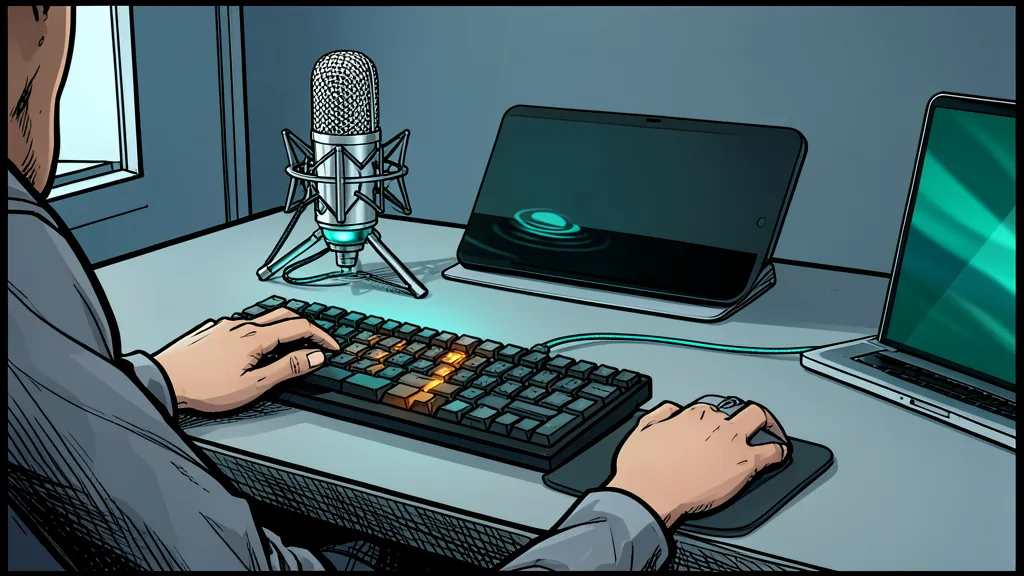
Keyboards, mice, microphones and touchscreens are all input devices. Each one takes something physical, a key press, a click, a sound or a touch, and turns it into an electrical signal the computer can use. The easiest way to picture it is a translator standing at the edge of the computer, turning what you do into the computer’s own language.
The keyboard
Every key press sends its own code, so the computer knows exactly which key you hit and when you hit it. When you hold Shift and press A, the computer gets the Shift key’s code and the A key’s code together, and that’s how it knows you want a capital “A”. It also knows when you let go, so it can tell a quick tap from holding the key down.
The mouse
The mouse does something similar for movement. It tracks how far and in which direction it moves, and turns that into a position for the pointer on your screen, along with the clicks of its buttons.
The microphone
A microphone works a little differently. Sound is vibration in the air, and the microphone turns those vibrations into an electrical signal. Then the computer digitizes it, which just means turning a smooth, continuous wave into a series of numbers it can store and work with.
The touchscreen
Most phone and tablet screens sense the tiny electrical change your finger makes the instant it touches the glass, and then work out exactly where on the screen that happened, as a pair of coordinates.
Why it matters
Different devices, and different kinds of actions, but the same job underneath: the physical world goes in, and an electrical signal comes out. From there, the signal travels across the motherboard to the CPU like everything else. That’s also why a sticky key, or a microphone that won’t pick up your voice, usually doesn’t mean the computer is broken. It’s one translator not doing its job, and cleaning or swapping that one device usually gets the conversation working again.
What to remember
Input devices are translators, turning what you do into signals your computer can understand.
Hope you found this helpful. You’ll find more free prompts and articles on dos2ai.com.
Want the next one by email? Sign up for free lessons.