I’m Ian, tech-obsessed since I was eight. Let’s get you up to speed, fast.
Your motherboard has a few long slots on it that are empty on purpose, like empty lots waiting for a building. This time we build on one of them.
What they are
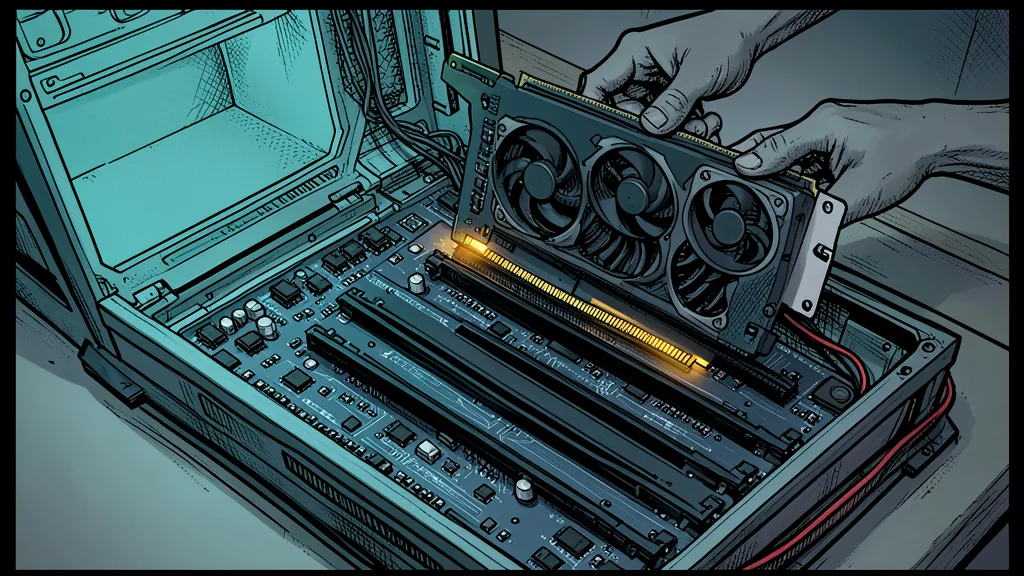
Expansion slots are connectors on the motherboard that are left empty on purpose, until you decide to add something. Almost all of them today use the same standard, PCIe, which is short for PCI Express. Whatever you plug into one is called an expansion card, and it gets a direct, fast connection to the rest of the computer, like a new building hooked straight into the main road.
You’ll sometimes see slots labeled x1, x4 or x16. That’s how many lanes, or data paths, the slot has, and the long x16 slot is the one graphics cards go in.
Think of empty lots
An empty lot is land left open on purpose, so someone can build on it later. Expansion slots work the same way. You didn’t have to build everything into your computer on day one, so the empty slots are there for whatever you need next, and you don’t have to replace the whole computer to add it.
The most common example: a graphics card
The built-in graphics in most computers handle everyday things like browsing, email and video just fine, but gaming, video editing and 3D work often need more. So instead of buying a whole new computer, you can plug a dedicated graphics card into a PCIe slot. Its main chip is called a GPU, short for graphics processing unit, the part built to draw images fast. That one card gives your machine a big new ability. It isn’t just graphics, either. The same kind of slot can add extra storage, extra ports or faster networking.
A few practical things
Turn the computer off and unplug it before you add a card. Most cards also need a driver, a small piece of software that tells your operating system how to use them, and many graphics cards need their own power cable too. Laptops usually don’t have full-size slots at all, although the small M.2 slots many of them use for storage run on PCIe as well.
Why it matters
This is exactly what people mean when they say they’re upgrading a PC instead of replacing it: one motherboard, a few empty slots, and a computer that can grow into whatever job you need it to do next.
What to remember
Expansion slots are reserved room for growth, and PCIe is the shared standard that lets almost any upgrade fit.
Hope you found this helpful. You’ll find more free prompts and articles on dos2ai.com.
Want the next one by email? Sign up for free lessons.