I’m Ian, tech-obsessed since I was eight. Let’s get you up to speed, fast.
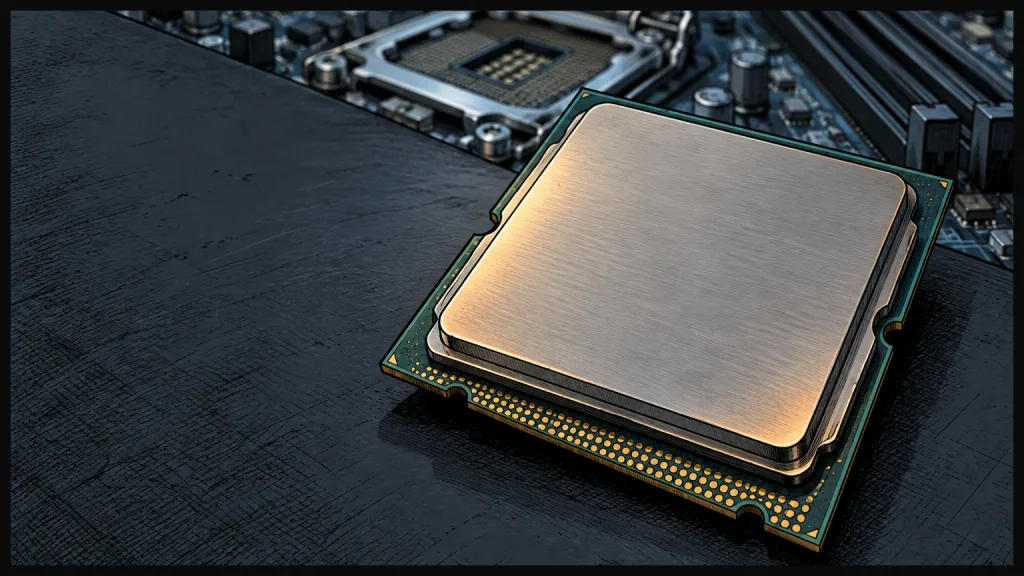
Somewhere on your motherboard is a chip smaller than a postage stamp, and it will run through billions of instructions before you finish reading this sentence. That’s the CPU, and it’s the part of your computer that actually does the work.
What it is
CPU stands for Central Processing Unit. Everything else on the motherboard either connects things or holds things, and the CPU is the one piece that does things. Here’s the twist, though: a CPU doesn’t understand ideas, or math problems, or games. It only understands one tiny thing at a time, called an instruction.
What an instruction looks like
An instruction is very simple. Add these two numbers. Move this piece of data over there. Check whether this value is zero. No single instruction is hard, and every app you’ve ever used, from a calculator to a video game, is built out of millions of these little steps.
Fetch, decode, execute
The CPU handles each instruction in three steps, over and over. It fetches the next instruction, which means grabbing it from memory. It decodes it, which means working out what it’s asking for. And it executes it, which means actually doing it. Then it moves on to the next one, and the next one after that.
Picture instruction cards going past on a conveyor belt. Add this, move that, check this. Each card is easy, and it’s the speed of the belt that makes the whole thing feel smart. Modern chips are cleverer than one card at a time, since they overlap the steps and work on several instructions at once inside each core, but the basic loop is still fetch, decode, execute.
Where gigahertz comes in
The speed you see on a spec sheet is measured in gigahertz. One hertz is one cycle a second, so one gigahertz is a billion cycles every second, and a 4 gigahertz chip ticks four billion times a second. That’s why it feels instant. Gigahertz isn’t the whole story, though, because newer designs get more done in each cycle, so a newer chip at a lower number can still beat an older one at a higher number.
Cores
Most CPUs today have more than one core, and each core is its own worker running its own conveyor belt. More cores means more instructions handled at the same time, in parallel, rather than one worker thinking harder. So when a spec sheet says four cores or eight cores, it’s telling you how many of those workers are on duty. When an app or game lags, it’s often because the work is coming in faster than the cores can get through it.
What to remember
The CPU isn’t magic. It’s one simple instruction after another, at a speed too fast to notice, and I think that’s pretty cool.
Hope you found this helpful. You’ll find more free prompts and articles on dos2ai.com.
Want the next one by email? Sign up for free lessons.